Which routine would you automate first?
No votes yet. Yours will be the first. · saved on this device
Loading...
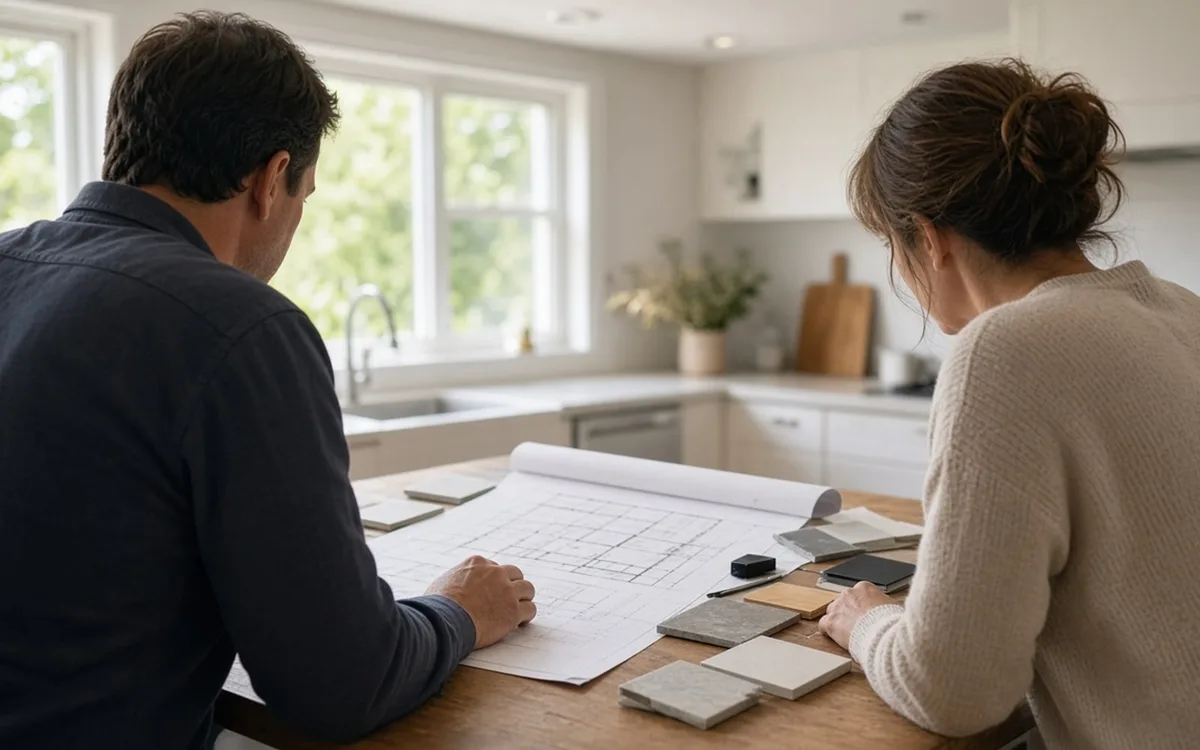
Home Control Notes · Planning
Plan a smart home by starting with the routines you want to change, then listing every device you own and intend to add, sizing the network for that count, deciding what must work without the internet, and agreeing in writing who owns each account. Product choices come last. A one-page brief built from those answers lets several installers price the same system.
By Home Control Notes editorial · Updated 2026-09-25
A smart home plan that begins with a shopping list tends to end with five apps, a router that drops cameras in the evening and a lighting scene nobody else in the house can operate. A plan that begins with the household's routines ends with fewer devices doing more useful work. The difference is not budget. It is the order in which the decisions get made, and whether the decisions that are expensive to reverse are made on purpose.
This guide walks through that order. It covers what to automate first, how to take a device inventory, why the network belongs at the top of the plan, how to write down offline behavior, how to plan accounts and handover, and how to phase work across seasons or budgets. It ends with the brief you can attach to an estimate request so that installers price your routines rather than their preferred package.
Write down three to five moments in the week that annoy someone in the house. Walking into a dark hallway with full hands. Wondering at 11 p.m. whether the back door is locked. Heating an empty house on weekdays. Music that works in the kitchen but not on the patio. Each of those is a routine with a trigger, a set of devices and a person who uses it. A routine written that way tells an installer far more than a list of product names ever will.
Rank the routines by how often they happen and who they help. A bedtime lock-and-lights routine runs every night for every household member, so it earns wiring and a reliable hub. A color-changing accent lamp runs when someone remembers it, so it can live on a bulb and an app. Owning a device is not a routine: our analysis of EIA 2024 survey data found voice lighting control among speaker owners runs 6.8 pts lower below $100,000 of income. Deloitte's 2023 research found 77% of adopters say their devices improve quality of life, and that improvement almost always comes from a few daily routines, not from the device count.
Walk the house with a notepad and list every connected thing: phones, laptops, televisions, streaming sticks, speakers, printers, the thermostat, doorbell, cameras, plugs, bulbs, the washer, the car charger. Parks Associates puts the average internet household at 17 devices, and most people undercount their own by half; by our analysis of EIA data, 18.5% of homes already run two or more smart speakers. Then add the devices the plan calls for. The total is the load the network must carry, and it is the number the installer needs first.
Note the platform each existing device uses and whether it supports Matter, which Your Matter Home expects to reach 4,200+ certified products by the end of 2026. Note which devices you want to keep. Parks Associates found 45% of internet households already own at least one core smart device, so most plans are integration projects rather than blank slates, and an installer who proposes replacing working gear should explain why in writing.
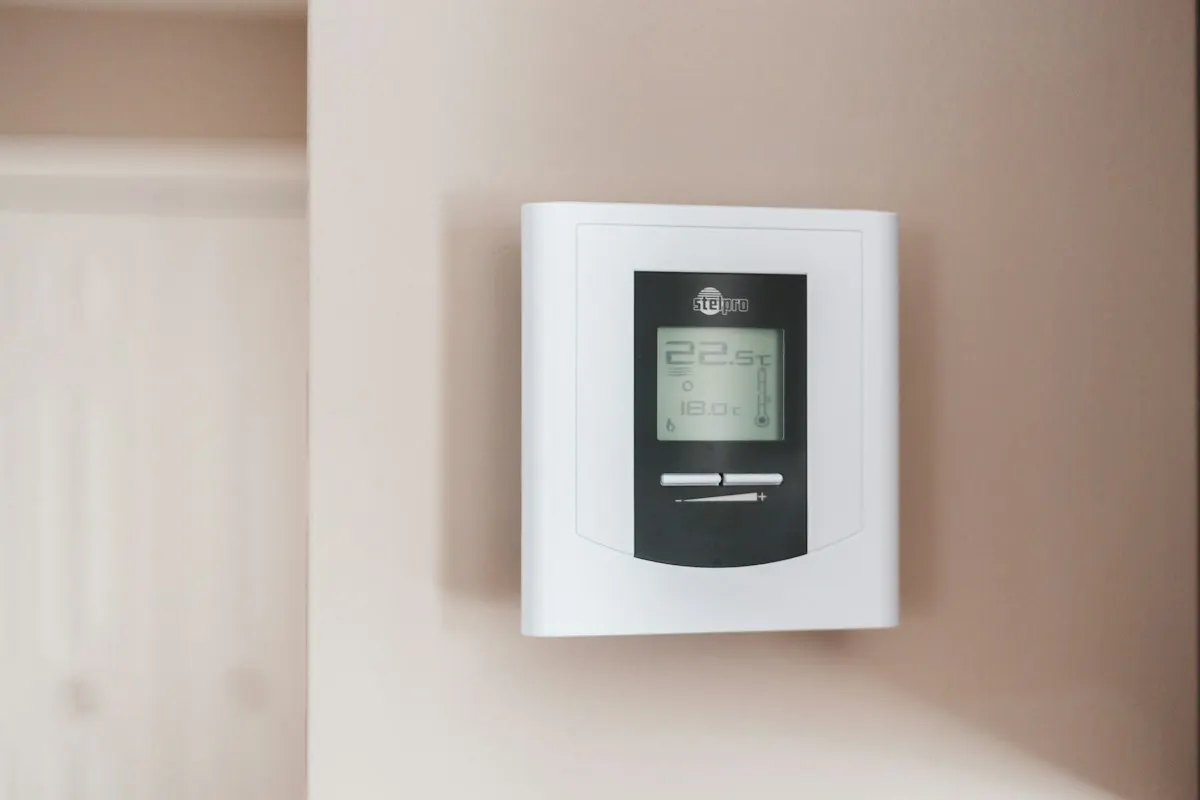
Every camera, speaker, display and hub shares the same router. A consumer router placed in a front-room cabinet can carry a dozen phones and laptops comfortably and still fail a camera at the far end of the garage once the evening streaming starts. That failure looks like a bad camera and gets blamed on the device, which is why so many returns are really network problems. Planning the network first means sizing it for at least twice today's device count.
Ask where the internet enters the house and where a small cabinet or shelf could hold the router, a switch and a battery backup. Decide which devices get a cable: fixed cameras, the main television, any access points and the audio rack are the usual candidates. The wired backbone versus mesh comparison works through the trade-off in detail. Also plan a separate network segment so cameras and appliances sit apart from computers and phones.
Make a two-column list: function, and what it depends on. Lights should switch at the wall with no network at all. Locks should open with a code stored on the lock and a mechanical key. The thermostat should hold its schedule. A local camera recorder should keep capturing footage. Scenes that run on a local hub should keep running. Anything that depends on a cloud account or a paid plan should be a convenience, never the only way to do something important.
This list changes the design. If bedtime lighting must work during an outage, the scene belongs on a local hub or processor rather than a cloud routine. If recordings must survive an outage, the plan needs a recorder and a battery backup. The outage priority poll shows which function other households protect first. Hand this list to every bidder and ask them to mark, device by device, how their design meets it.
Every hub, camera system, lock, thermostat and dealer platform has an administrator account. Whoever holds it controls the system. The plan should say, before work starts, that every account is created in the homeowner's name with two-factor authentication, and that the installer gets a limited or temporary role. An installer who registers the hub to their company can make the next service call mandatory, which is a quiet form of lock-in that surfaces only when you want to change something.
The handover is the last line of the plan and often the first thing cut from a budget. It should include a device list with locations and models, a network diagram, the programming or scene export, the subscription list with renewal dates, and a walkthrough for each household member. Deloitte's finding that 70% of consumers worry about connected-device privacy is a good reason to own those accounts yourself from the first day.
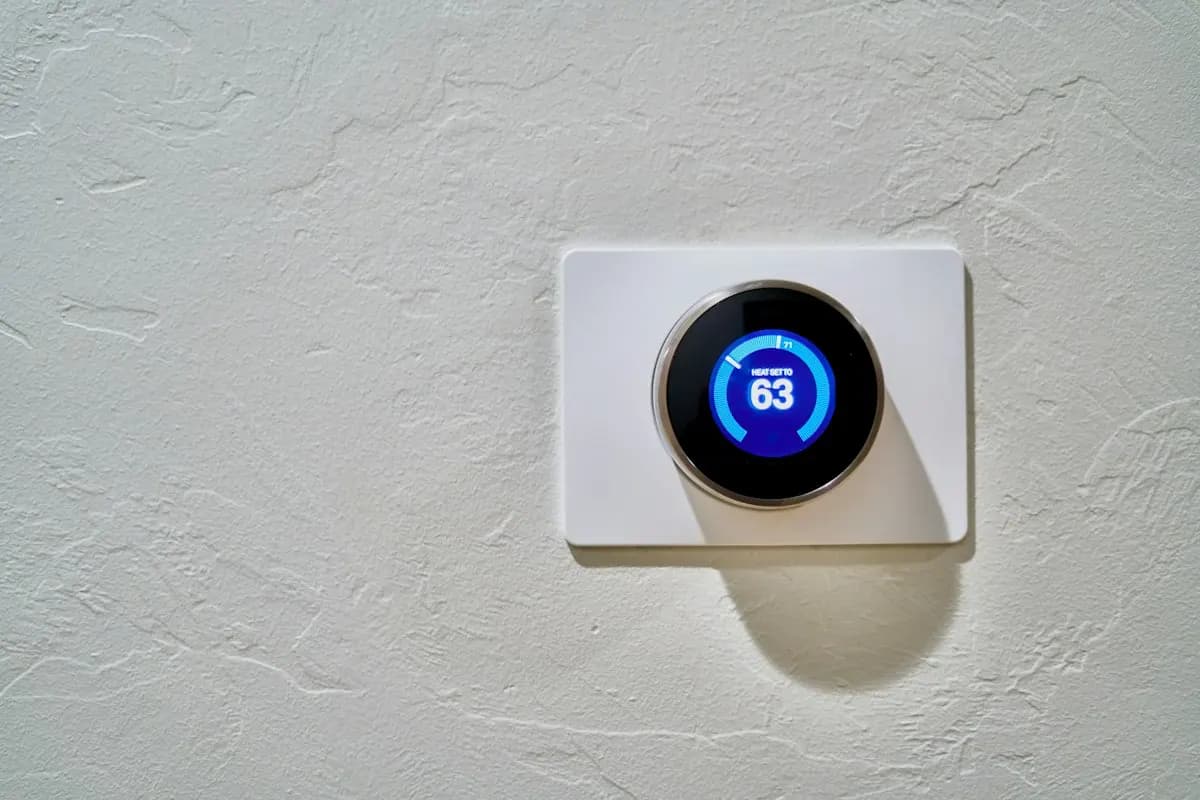
Phase by infrastructure first, then by room. Phase one is the network, the hub and any wiring that needs open walls or attic access, because those are cheapest while a crew is already there; EIA's 2024 Residential Energy Consumption Survey found 73.2% of occupied U.S. homes report broadband, the connection every later phase runs on. Phase two is the routines that run daily, usually entry lighting, locks and the thermostat. Phase three is convenience and entertainment: audio zones, shades, a media room. Each phase should work on its own, so a pause between them leaves a finished system rather than a half-built one.
Timing matters too. Deloitte's 2025 Connected Consumer Survey put average household spending on connected devices at $896, up from $764, and a phased plan spreads that kind of spending across several visits. Bundling works for smart homes: if an electrician is coming to replace a panel or add a circuit, adding neutral wires and switch boxes during the same visit costs far less than a separate call later.
The brief turns everything above into a document three installers can price identically. It lists the routines in priority order, the device inventory with platforms, the rooms involved, the offline list, the account ownership rule, the handover requirements, the budget range and the phasing preference. It also states what is out of scope, which stops one bidder from padding a proposal with a media room you never asked for while another prices only the lighting.
Attach it to a request through the estimate request page and use the calculator to set a working budget before replies arrive. Leave passwords, Wi-Fi keys and door codes out of the brief entirely. When proposals come back, check each one against the brief line by line: a proposal that ignores the offline list or the account rule is answering a different question from the one you asked.
Homeowner polls
No votes yet. Yours will be the first. · saved on this device
No votes yet. Yours will be the first. · saved on this device
No votes yet. Yours will be the first. · saved on this device
Start two to three months before you want work to begin. That leaves time to inventory devices, collect proposals, and schedule any electrical work that needs a permit. If the project coincides with a remodel, plan during design, before drywall goes up, because cable pulls and switch box changes cost a fraction as much with open walls as they do in a finished room.
Yes, at least on paper. The hub, platform and network you choose for the first room will carry every later room, so choosing them with the whole house in mind prevents a replacement in year two. A single-room start can still be small in cost; the plan just ensures that the first purchase is compatible with the last.
Ask each person which daily moment annoys them and which control they would actually use. Children and older relatives often reject app-only controls, which is a strong argument for wall keypads and switches that keep working normally. Anyone who cannot operate a routine without help will eventually disable it, so their input belongs in the brief rather than in a complaint after handover.
List them and decide which to keep. Matter-certified devices can often join several platforms at once, and many hubs can bridge older Zigbee or Z-Wave devices. Devices that cannot be bridged and only work in their own app should be treated as standalone and left out of routines, or replaced when they fail. An installer should say which of your devices will integrate before pricing new ones.
Not necessarily. Decide your routines, offline list and account rule first, then let bidders propose a platform that meets them. If your household is all on one phone ecosystem, say so, since that narrows sensible choices. The platform comparison page explains when a consumer platform is enough and when a dealer-installed system earns its cost.
Note the room, the routine it supports, the controls people will touch, and anything unusual about the walls or ceiling. Plaster, brick, vaulted ceilings and finished basements all change the labor. You do not need device models; you need enough detail that an installer can see where cable or new boxes will be required.
Skipping the network. A plan that adds cameras, a video doorbell and several speakers to an existing consumer router often works during installation and fails a few weeks later under evening load. Fixing it afterward means new access points, possibly new cable runs, and reprogramming devices onto a new network, all of which would have been cheaper in the original scope.
It usually reduces the spread between bids and the number of change orders, which is where overruns come from. When every installer prices the same routines, device count and handover, you can see who is charging more for the same scope and who is including items the others omitted. It also shortens site visits, since the installer arrives knowing what to check.
 Service guideWhole-Home Automation
Whole-home automation connects lighting, climate, locks, cameras, shades and audio under one interface with scenes and schedules.
 Service guideSmart Lighting Control
Smart lighting control replaces switches and dimmers, or adds keypads and schedules, so rooms respond to scenes, timers and occupancy while the wall switch keeps working.
 Service guideHome Security & Surveillance
Home security and surveillance covers cameras, door and window sensors, motion detection, video doorbells and smart locks, with or without a monitoring service.
 CostsWhat a smart home costs in 2026, from a starter kit to a dealer system
In 2026 a consumer starter system averages about $771 installed according to Angi, while HomeGuide puts hub-based and dealer-integrated systems at $2,000 to $15,000 or more.
 MaterialsChoosing smart home devices, protocols and platforms that age well
Pick the platform and protocol before the devices.
 PermitsPermits and codes for smart home work: what triggers review and what does not
Rules vary by city, county and state, so confirm locally.
 Free toolSmart home cost calculator: size a budget by control points
Size, material tier and complexity in, a realistic budget range out.
 Free toolSmart home comparisons: the five decisions that shape the project
Side-by-side tables for the decisions that change the price most.
 Free toolSmart home readiness quiz: do you know the details installers will ask about?
10 questions that show what you already know and what to check next.
 Free toolSmart home polls: how other homeowners weighed the same decisions
See what other planners chose and add your vote.
Tell us the size, the condition of what is there now, and what you want to change. Home Control Notes passes your request to independent local professionals, who reply with written, no-obligation estimates. The service is free to use.