Which approach are you leaning toward for your smart home?
Deloitte found fewer than a third of consumers have committed to a single ecosystem.
No votes yet. Yours will be the first. · saved on this device
Loading...

Home Control Notes · Planning articles
These four guides walk through a smart home project in the order the decisions actually happen: planning routines and the network, understanding what installation costs in 2026, choosing devices, protocols and platforms, and learning which parts of the work need a permit or a licensed electrician. Every figure names its publisher, so you can check the source before trusting the number.
 PlanningPlanning a smart home project: routines, network and handover first
Plan a smart home by starting with the routines you want to change, then listing every device you own and intend to add, sizing the network for that count, deciding what must work without the internet, and agreeing in writing who owns each account.
 CostsWhat a smart home costs in 2026, from a starter kit to a dealer system
In 2026 a consumer starter system averages about $771 installed according to Angi, while HomeGuide puts hub-based and dealer-integrated systems at $2,000 to $15,000 or more.
 MaterialsChoosing smart home devices, protocols and platforms that age well
Pick the platform and protocol before the devices.
 PermitsPermits and codes for smart home work: what triggers review and what does not
Rules vary by city, county and state, so confirm locally.
Most disappointing smart home projects did not fail on hardware. They failed because nobody wrote down what the house should do when the internet drops, who would own the accounts, or which walls would need a new cable. The guides in this library are built to force those decisions early, while changing them costs a conversation rather than a return visit. They assume you have a rough idea of the rooms and routines involved and want to read an installer's proposal without being steered by it.
None of the guides recommends a brand or an installer. They draw on published cost guides from Angi, HomeGuide, Today's Homeowner and Vivint, adoption research from Parks Associates and Deloitte, our own analysis of the Energy Information Administration's 2024 household survey, which puts a smart speaker in 35.6% of homes and broadband in 73.2%, and the model electrical and residential codes. Each guide links to the calculator, the comparison pages and the service pages where a specific decision needs more depth, so you can move between them without losing the thread.
Start with the project planning guide. It covers the decisions that shape every later choice: which routines matter, how many devices the network must carry, what must keep working offline, and who ends up holding the administrator accounts. Without those answers, a cost range is meaningless, because two installers will quietly price two different systems. The planning guide ends with a one-page brief you can attach to every estimate request so that the numbers you get back are comparable.
Read the 2026 cost guide next. It sets out price ranges by scope, from a starter kit to a dealer-installed processor, and explains where labor, wiring and subscriptions push a quote up. Then move to the devices and protocols guide to understand Matter, Thread, Zigbee, Z-Wave, wired keypads and camera storage before an installer proposes them. Finish with the permits and codes guide, which explains when line-voltage work, alarm registration or HOA review enters the schedule.
Publishers measure different things. Angi's 2026 guide puts the average consumer smart home system at $771, which describes a handful of retail devices installed and paired and runs from $201 to $1,519. HomeGuide's 2026 tiers run $2,000–$15,000+ because they describe hub-based and dealer-integrated systems with wiring and programming. Deloitte's 2025 Connected Consumer Survey found households spent $896 on connected devices in a year, which includes phones and gadgets that no installer would ever touch.
The guides treat each number as a bracket for a specific scope, not as a price for your house. When two sources point in different directions, the text says which one fits which kind of project. A figure becomes useful only when you know what it includes, so every statistic on this site carries a publisher and a year. The only numbers that describe your walls, your router and your household are written proposals from installers who have walked the house.
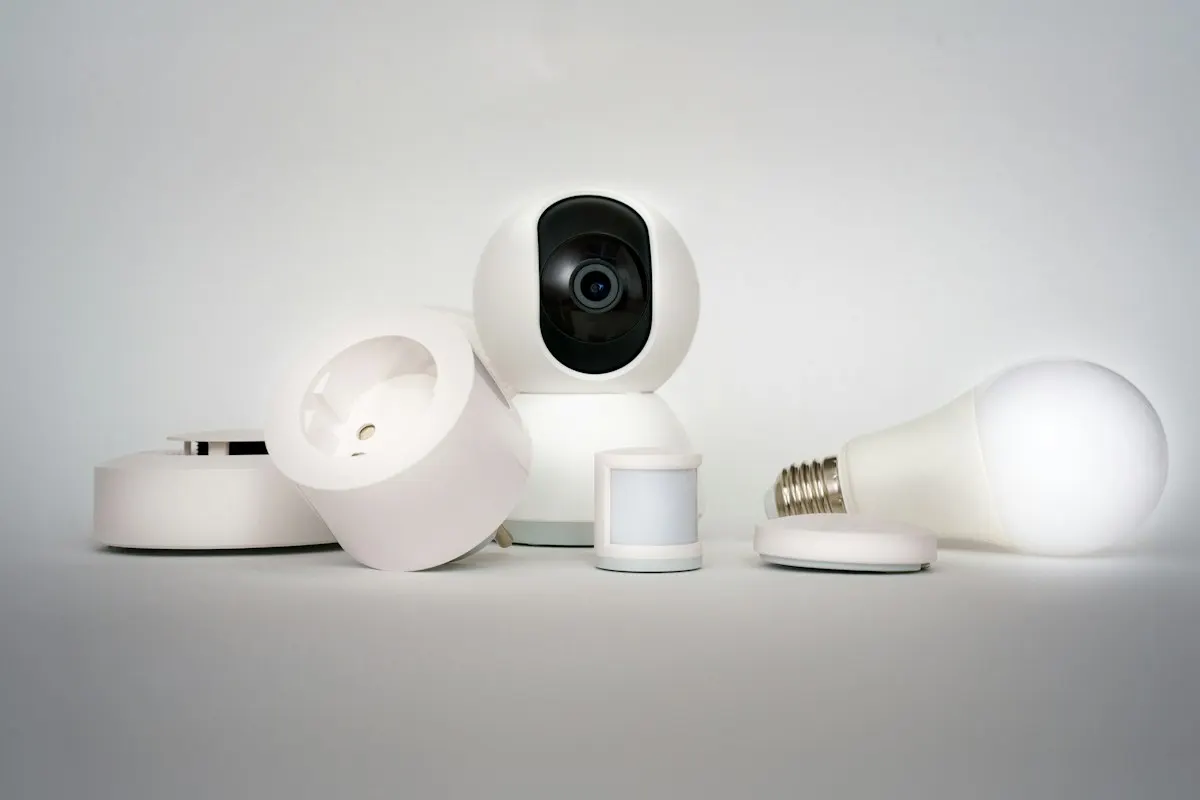
Each guide is organized around questions a homeowner can put to an installer and check against a written proposal. The planning guide produces a brief. The cost guide ends with a method for reading a bid line by line. The devices guide ends with a compatibility checklist that exposes proposals built around one platform's convenience rather than your routines. The permits guide ends with the inspection and sign-off sequence so you know which visits belong in the schedule and which documents belong in the handover folder.
They also share a theme that runs through the whole site: a smart home should degrade gracefully. Wall switches should still switch, locks should still open with a code or key, and the thermostat should hold its schedule when a cloud service stops. Parks Associates found 52% of do-it-yourself users report setup or connectivity problems, and most of those problems trace back to the network and the account plan rather than to any single device.
The cost guide is meant to be read with the calculator open. The calculator counts control points rather than rooms, and the guide explains why a hub-based tier multiplies the base rate and why an involved wiring job adds more than any single device. The devices guide pairs with the comparison pages, each of which isolates one decision, such as switches against bulbs or local recording against cloud storage, and works it through cost over ten years, outage behavior and resale.
The planning and permits guides pair with the readiness quiz, which checks whether you have settled neutral wires, hub choice, video storage and account ownership before requesting estimates. The homeowner polls show how other planners answered questions about platforms, outage priorities and subscription tolerance. Poll results are not statistics, but they are a quick way to see whether a priority you hold is common or whether you should explain it more carefully to an installer.
The guides do not price your house. National ranges cannot see plaster walls, a panel with no spare breaker spaces, or a detached garage that needs a buried conduit before a camera works. They do not promise a permit outcome either, because electrical and alarm rules are adopted and amended locally. And they do not name a winning platform, because the right choice depends on the phones in your household, the devices you already own and how much you want to manage yourself.
What the guides do is get you to a productive site visit. You will know which questions to ask, which figures to expect and which items must appear in writing: the device list, the network plan, the offline behavior of each function, the subscription list and the account handover. A pro who walks the house can then fill in the specifics. The glossary holds the terms you will hear along the way.
Homeowner polls
Deloitte found fewer than a third of consumers have committed to a single ecosystem.
No votes yet. Yours will be the first. · saved on this device
Angi's 2026 consumer benchmark averages $771; HomeGuide's whole-home tier is $5,000 to $15,000.
No votes yet. Yours will be the first. · saved on this device
No votes yet. Yours will be the first. · saved on this device
Each guide runs between about 1,500 and 2,400 words, so the set takes roughly 40 minutes straight through. Many planners read the planning and cost guides first, request estimates, and return to the devices and permits guides when proposals raise specific questions such as whether a hub is needed or who pulls the electrical permit. Each section is written to answer one question on its own.
Partly. The planning and devices guides are useful to renters because they cover plug-in devices, bulbs, battery cameras and platform choice, none of which touch the walls. The cost and permits guides lean toward owners, since line-voltage switches, cable pulls and permanent cameras usually need the landlord's approval and sometimes an electrician. A renter should read the offline-behavior and account sections closely, because devices often have to be reset when the lease ends.
No. They explain where professional work earns its cost, such as new wiring, neutral-wire problems, network design and dealer programming, and where it does not, such as pairing a few bulbs or a plug-in camera. Parks Associates' finding that about half of self-installers hit setup problems is cited as a reason to plan the network, not as a reason to hire someone for every task.
Most ranges come from 2025 and 2026 publications: Angi's and HomeGuide's 2026 system guides, Vivint's 2026 thermostat figures, HomeAdvisor's 2026 camera costs and SoFi's 2025 monitoring range. Today's Homeowner's subsystem ranges are older, marked as of January 2023, and we label them that way. Device prices move quickly, so the guides lean on ranges and ratios rather than single numbers. When a written proposal falls well outside a range, the guides explain which line items usually account for the gap.
Because outage behavior is the property that separates a system you can live with from one that becomes a nuisance. A lighting scene that needs a cloud server fails at exactly the moment the household needs it. The guides ask you to list, function by function, what must work locally, and they show how that list changes the hub choice, the network plan and the cost.
Yes, and it often helps. Sending the planning brief and pointing a bidder to the cost guide's section on reading a bid signals that you will compare proposals line by line. Installers who already document device lists, offline behavior and account handover will find that easy to answer; the ones who do not will have to decide whether to start.
Use the calculator to set a working budget, take the readiness quiz to check for gaps, and then submit a request through the contact page describing your routines, rooms, existing devices and support preference. Matched independent installers reply with written estimates. Keep passwords, door codes and account recovery details out of the request entirely; an installer does not need them to price the work.
 Service guideWhole-Home Automation
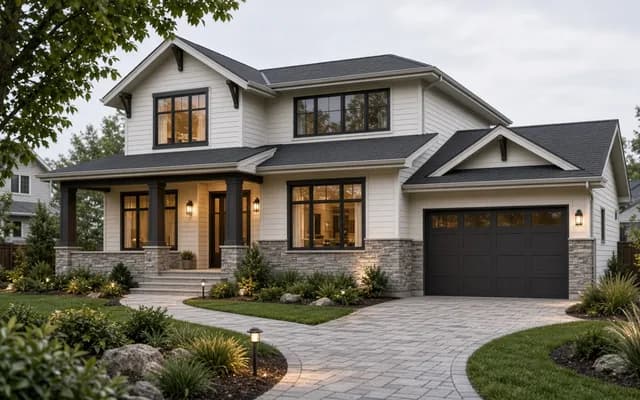
Whole-home automation connects lighting, climate, locks, cameras, shades and audio under one interface with scenes and schedules.
 Service guideSmart Lighting Control
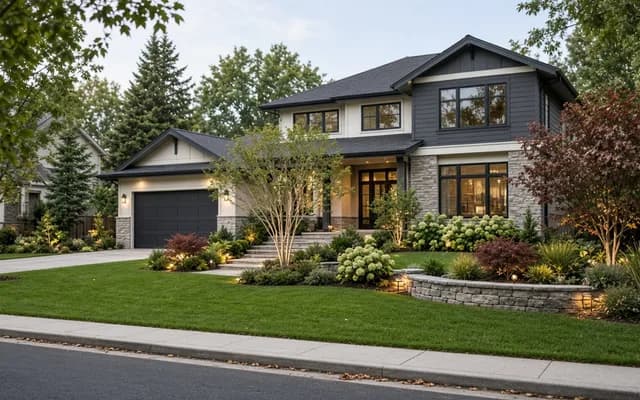
Smart lighting control replaces switches and dimmers, or adds keypads and schedules, so rooms respond to scenes, timers and occupancy while the wall switch keeps working.
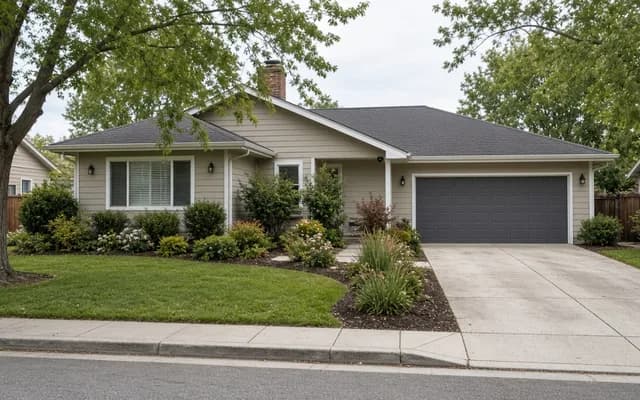 Service guideHome Security & Surveillance
Home security and surveillance covers cameras, door and window sensors, motion detection, video doorbells and smart locks, with or without a monitoring service.
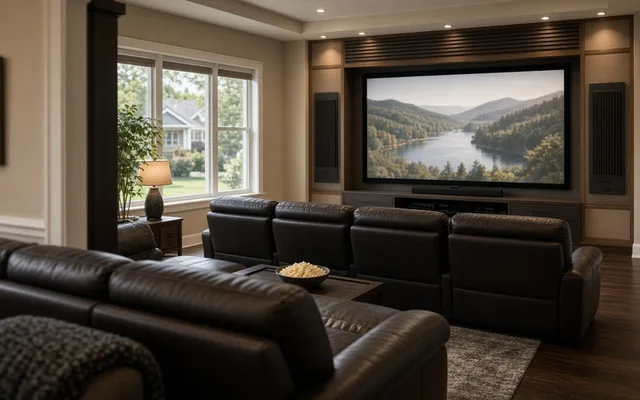 Service guideHome Theater & Audio
Home theater and audio installation covers dedicated theaters, living-room media setups and multi-room audio, including speakers, displays, receivers, cabling, equipment placement and the controls the household uses daily.
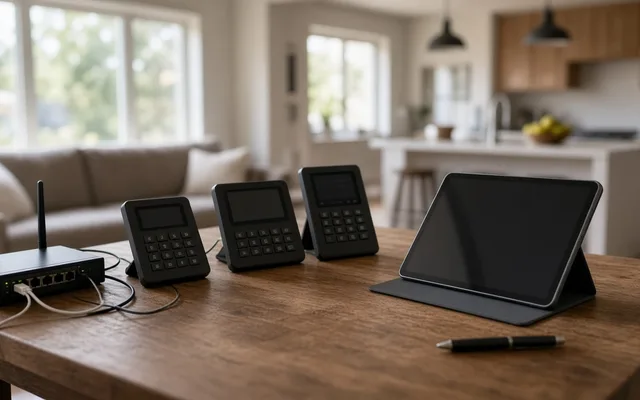 Free toolSmart home cost calculator: size a budget by control points
Size, material tier and complexity in, a realistic budget range out.
 Free toolSmart home comparisons: the five decisions that shape the project
Side-by-side tables for the decisions that change the price most.
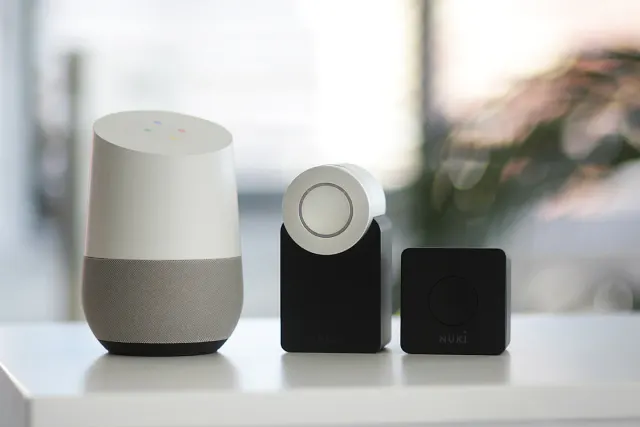 Free toolSmart home readiness quiz: do you know the details installers will ask about?
10 questions that show what you already know and what to check next.
 Free toolSmart home polls: how other homeowners weighed the same decisions
See what other planners chose and add your vote.
Tell us the size, the condition of what is there now, and what you want to change. Home Control Notes passes your request to independent local professionals, who reply with written, no-obligation estimates. The service is free to use.