Which approach are you leaning toward for your smart home?
Deloitte found fewer than a third of consumers have committed to a single ecosystem.
No votes yet. Yours will be the first. · saved on this device
Loading...
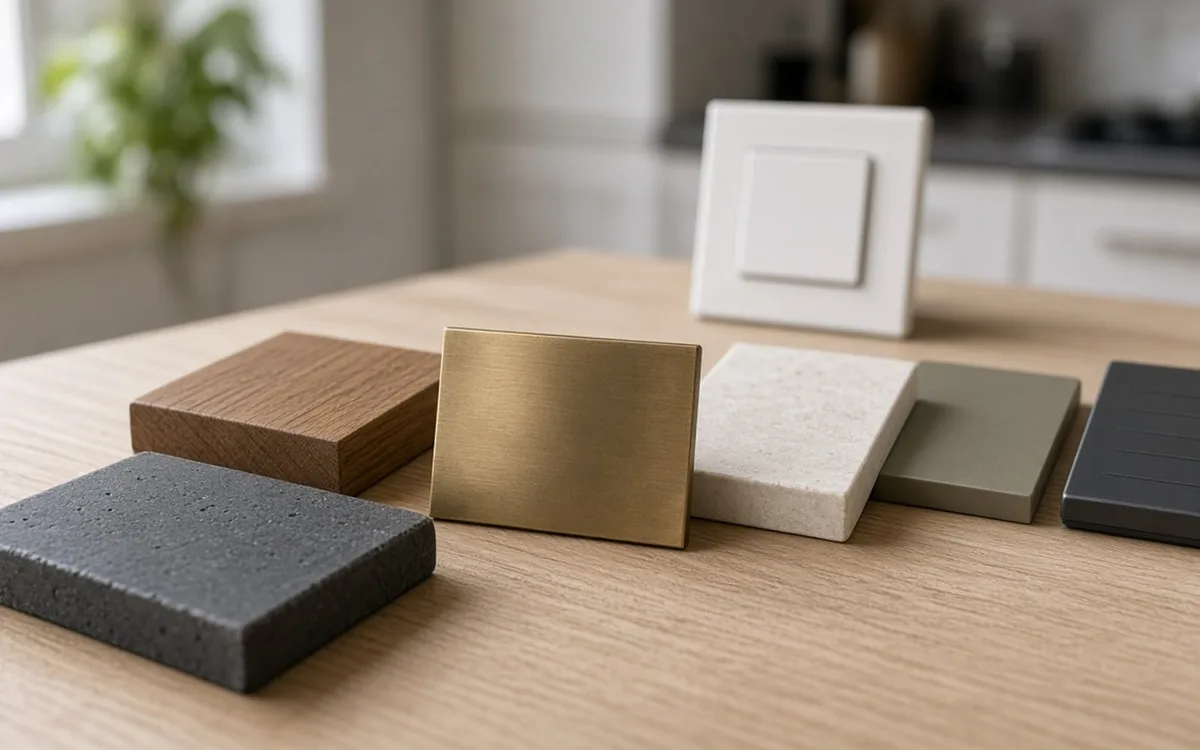
Home Control Notes · Materials
Pick the platform and protocol before the devices. Matter over Thread suits most new lighting, sensors and locks; Zigbee and Z-Wave remain solid behind a hub; Wi-Fi fits cameras and high-bandwidth gear. Wired switches outlast bulbs, locks need a key override, cameras need a storage plan, and a dealer processor makes sense only when many subsystems must share one interface.
By Home Control Notes editorial · Updated 2026-09-25
Smart home hardware changes every year, and the product that looks newest is rarely the one that will still work with everything else in five years. The choices that age well are the underlying ones: which wireless protocol carries commands, where automations run, which devices are wired into the walls, and where recordings and settings live. Those choices outlast any single product generation, so they deserve more attention than the finish of a keypad or the resolution of a camera.
This guide works from the bottom up. It starts with protocols and platforms, then covers hubs and processors, lighting controls, locks and access, cameras and recording, audio and displays, and finally the questions that expose a proposal built around an installer's habits rather than your house. Where a comparison page covers one decision in depth, the guide links to it rather than repeating the analysis.
Matter is an application standard backed by Apple, Google, Amazon and Samsung that lets a certified device be controlled by several platforms over the local network. Your Matter Home expects 4,200+ certified devices by the end of 2026, so for lights, plugs, sensors, locks and thermostats it is now a practical default. Matter can run over Wi-Fi or over Thread, a low-power mesh that needs a border router, which many current speakers and hubs include.
Zigbee and Z-Wave are older low-power meshes with large, mature device catalogs and good local control behind a hub. They remain sensible for sensors and switches in homes that already use them. Wi-Fi suits devices that move a lot of data, like cameras, displays and speakers, but every Wi-Fi device adds load to the router. A practical plan puts battery sensors and switches on Thread, Zigbee or Z-Wave, and keeps Wi-Fi for devices that genuinely need bandwidth.
Matter now reaches cameras too. Your Matter Home reported in February 2026 that the Matter 1.5 camera specification was finalized in the fourth quarter of 2025, so cameras and video doorbells can join Matter controllers; they still use Wi-Fi or Ethernet for the video itself. Since January 2026, new Thread border routers must certify to Thread 1.4, which improves how routers from different brands share one mesh. When a proposal lists a border router, ask whether it is Thread 1.4 certified.
| Protocol | Typical devices | Needs a hub or border router | Local control | Cloud required | Main trade-off |
|---|---|---|---|---|---|
| Matter over Thread | Lights, sensors, locks, plugs | Yes, a Thread border router | Yes | No | Newer; catalog still filling in some categories |
| Matter over Wi-Fi | Plugs, switches, appliances, cameras (Matter 1.5) | No | Yes | No | Adds load to the router |
| Zigbee | Bulbs, sensors, switches | Yes | Yes | Varies by hub | Platform-specific pairing, mature catalog |
| Z-Wave | Locks, switches, sensors | Yes | Yes | Varies by hub | Separate radio band, fewer consumer brands |
| Wi-Fi only | Cameras, displays, speakers | No | Varies by brand | Often, for remote access and clips | Bandwidth and router capacity |
A consumer platform runs on a smart speaker, display or phone, and by our analysis of the EIA's 2024 survey a speaker already sits in 35.6% of homes. It often executes automations in the cloud, although Matter and Thread devices increasingly run locally. A dedicated local hub runs scenes and schedules inside the house, so they keep working during an internet outage, and it can bridge Zigbee, Z-Wave and Thread devices. A dealer processor goes further: it adds wired keypads, one interface across lighting, audio, shades and climate, and programming done by an authorized installer.
The right tier depends on how many subsystems must work together and who maintains the system. The platform comparison sets the costs side by side. Deloitte's 2023 research found typical adopters own ~7 devices, and at that scale a consumer platform with a local hub is usually enough. Dealer systems earn their cost when several people need identical controls in many rooms and nobody in the house wants to manage updates.
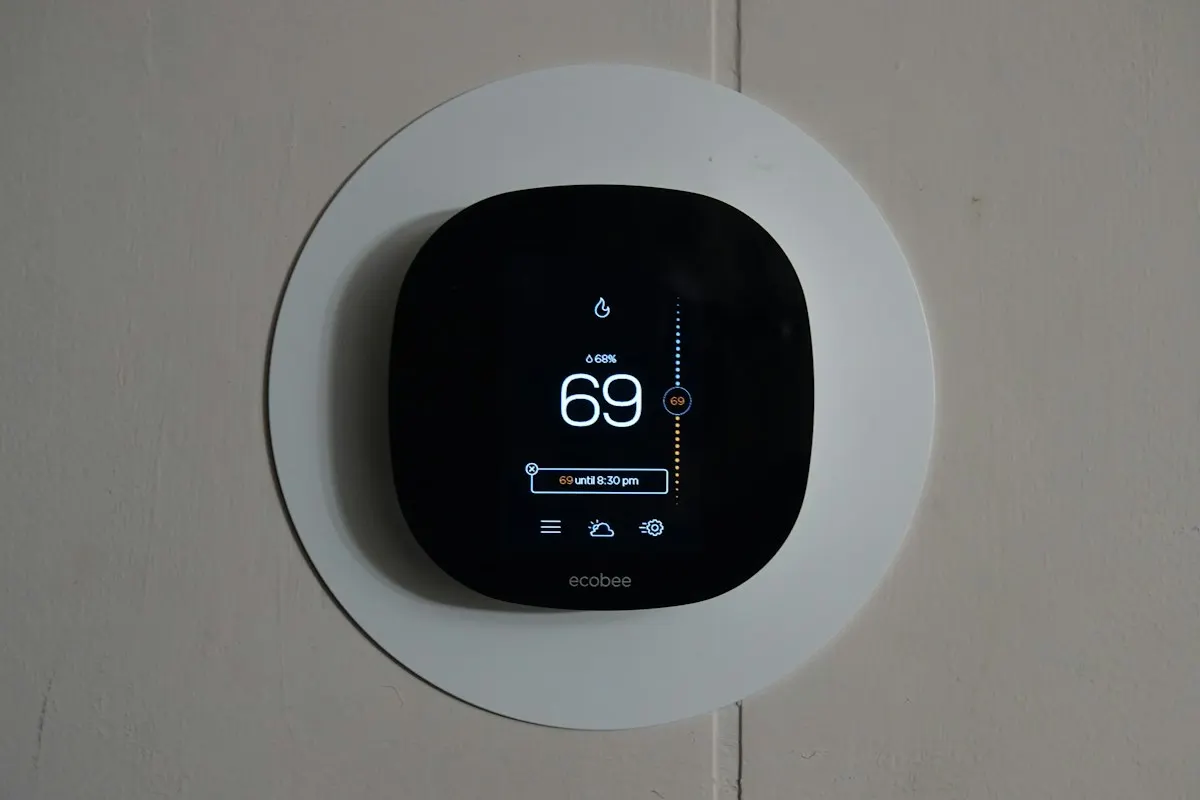
Switches and dimmers make every fixture on a circuit smart and keep the wall control working for guests and children. They need a neutral wire in most cases and an electrician for installation. Keypads replace several switches with programmable scene buttons and suit entries and bedrooms. Smart bulbs need no wiring and offer color, but stop responding when someone flips the wall switch off, which is why most homes use them only in lamps. Voice is the lightest layer on top: our analysis of EIA data found 10.3% of homes use a speaker to control lights.
Dimmer compatibility deserves attention. LED fixtures vary in how they respond to a dimmer, and a mismatch causes flicker, buzzing or a narrow dimming range. Ask for the dimmer maker's compatibility list for your fixtures, or ask the installer to test one room before ordering the rest. The switches versus bulbs comparison and the lighting control service page cover the neutral-wire question in detail.
Choose a lock that stores user codes on the lock itself and keeps a mechanical key override, so it opens with no network, no phone and no subscription. Retrofit models replace only the interior thumb-turn and keep your existing exterior key, which suits renters and doors with matched hardware. Full-replacement deadbolts add a keypad outside. Z-Wave and Thread locks tend to have longer battery life than Wi-Fi locks because their radios draw less power.
Access control usually arrives with security. Parks Associates reported smart lock ownership of 25% vs 3% in homes with and without a security system, and found that >50% of households planning a move intend to buy one. Garage door controllers follow the same pattern. If you are moving, plan locks, the garage and the doorbell together so codes, schedules and alerts live in one account you own.
Wired cameras powered over Ethernet need one cable each for power and data, record continuously and never need charging. Battery Wi-Fi cameras mount anywhere in minutes but record clips rather than continuous video and need recharging. For storage, a network video recorder keeps footage in the house with no monthly fee and keeps recording during internet outages, while cloud plans are simpler and accessible anywhere but stop when the plan or the connection lapses.
SafeWise's 2025 research found ~50% of households use security cameras, so the category is mature and well understood by installers. The decision that matters is storage, because it sets the monthly bill and the privacy posture. The local versus cloud storage comparison works through both. Whichever you pick, put cameras on their own network segment and change every default password at installation.
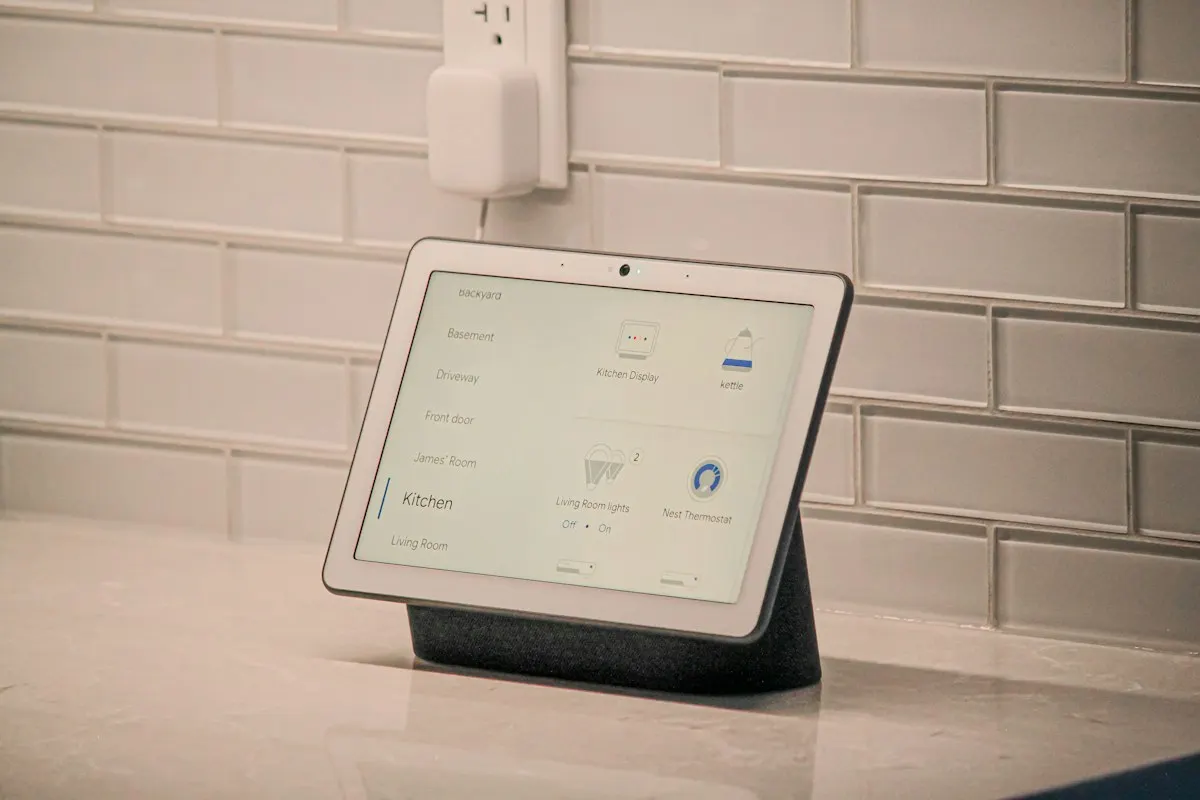
Separate the parts that live in the walls from the parts that sit on shelves. In-wall and in-ceiling speakers, speaker cable, conduit and network drops last decades if installed well. Receivers, amplifiers, streamers and displays turn over every several years as formats change. A good plan spends on the permanent parts and leaves room to swap the electronics. Conduit to the display location is the single most useful addition for that reason.
Adoption data supports planning around streaming. Our analysis of the Energy Information Administration's 2024 survey found 66.5% of occupied homes have a streaming device and 25.0% have a home theater or audio system. Multi-room audio can run on dedicated amplifiers feeding in-ceiling speakers or on networked streaming speakers; the first is more reliable and invisible, the second is cheaper and easier to move. The theater and audio page covers room planning.
Ask three questions about every device on the list. Does it support Matter or an open protocol so another platform can control it later? Does it keep working if the installer's company or the maker's cloud disappears? Can you add, remove or reset it yourself without a dealer visit? A proposal that answers no to all three for most devices is building a system you will rent rather than own, even if you paid for every part.
Also check the mix. A proposal with devices from many brands on many apps is often cheaper to buy and harder to live with. Parks Associates found 18% of internet households have six or more smart devices, the point where a single interface starts to matter. Ask the installer to show how each device appears in the one app the household will use daily.
Homeowner polls
Deloitte found fewer than a third of consumers have committed to a single ecosystem.
No votes yet. Yours will be the first. · saved on this device
No votes yet. Yours will be the first. · saved on this device
No votes yet. Yours will be the first. · saved on this device
For battery-powered sensors and locks, usually yes. Thread uses far less power than Wi-Fi, so batteries last longer, and it forms a mesh that strengthens as mains-powered Thread devices are added. It also keeps small devices off the router. The trade-off is that you need a Thread border router, often built into a recent smart speaker or hub.
Not quickly. Many hubs bridge Zigbee and Z-Wave devices into Matter, so they can appear on newer platforms without replacement. Their catalogs are large and mature. Replace them when they fail or when a feature you need is only available on newer hardware, rather than all at once because a newer standard exists.
No. LED fixtures and bulbs vary in how their drivers respond to dimming, and mismatches cause flicker, buzzing or a small dimming range. Check the dimmer maker's compatibility list, look for bulbs labeled as dimmable, and adjust the dimmer's low-end trim setting if it offers one. Testing one fixture before buying for the whole house avoids a return pile.
Codes stored on the lock, a mechanical key override, auto-lock with an adjustable delay, scheduled codes for cleaners or dog walkers, and a low-battery warning that reaches your phone. A lock that relies entirely on an app or a cloud service to open is a poor choice for a main entry. Door alignment matters too; a binding bolt drains batteries fast.
It depends on camera count, resolution, frame rate and how many days you want to keep. Continuous recording from several high-resolution cameras fills drives quickly, so many recorders record continuously at lower quality and at full quality on motion. Ask the installer how many days of footage the proposed drive holds for your camera count, and plan to replace surveillance drives every few years.
In-ceiling speakers suit background music in kitchens, halls and baths because they disappear and cover the room evenly. Freestanding or bookshelf speakers sound better for focused listening and move with you. Many homes use in-ceiling speakers for distributed audio and a separate stereo or soundbar setup in the main room. Plan wiring for in-ceiling pairs while ceilings are accessible.
The internet modem, router, network switch, any hub or processor, and the video recorder. A small uninterruptible power supply keeps them running through short outages and lets them shut down cleanly in long ones, which protects settings and recordings. Without it, a brief flicker can reboot the whole system and leave cameras dark until the network recovers.
Rarely for anything important. Devices from makers with short support histories may stop receiving security updates or lose their cloud service, and some cannot be controlled locally at all. For locks, cameras and anything on the network long term, choose makers that publish update policies and support Matter or an open protocol. Save the experiments for a lamp.
 Service guideWhole-Home Automation
Whole-home automation connects lighting, climate, locks, cameras, shades and audio under one interface with scenes and schedules.
 Service guideSmart Lighting Control
Smart lighting control replaces switches and dimmers, or adds keypads and schedules, so rooms respond to scenes, timers and occupancy while the wall switch keeps working.
 Service guideHome Theater & Audio
Home theater and audio installation covers dedicated theaters, living-room media setups and multi-room audio, including speakers, displays, receivers, cabling, equipment placement and the controls the household uses daily.
 PlanningPlanning a smart home project: routines, network and handover first
Plan a smart home by starting with the routines you want to change, then listing every device you own and intend to add, sizing the network for that count, deciding what must work without the internet, and agreeing in writing who owns each account.
 CostsWhat a smart home costs in 2026, from a starter kit to a dealer system
In 2026 a consumer starter system averages about $771 installed according to Angi, while HomeGuide puts hub-based and dealer-integrated systems at $2,000 to $15,000 or more.
 PermitsPermits and codes for smart home work: what triggers review and what does not
Rules vary by city, county and state, so confirm locally.
 Free toolSmart home cost calculator: size a budget by control points
Size, material tier and complexity in, a realistic budget range out.
 Free toolSmart home comparisons: the five decisions that shape the project
Side-by-side tables for the decisions that change the price most.
 Free toolSmart home readiness quiz: do you know the details installers will ask about?
10 questions that show what you already know and what to check next.
 Free toolSmart home polls: how other homeowners weighed the same decisions
See what other planners chose and add your vote.
Tell us the size, the condition of what is there now, and what you want to change. Home Control Notes passes your request to independent local professionals, who reply with written, no-obligation estimates. The service is free to use.