What kind of media setup are you planning?
No votes yet. Yours will be the first. · saved on this device
Loading...
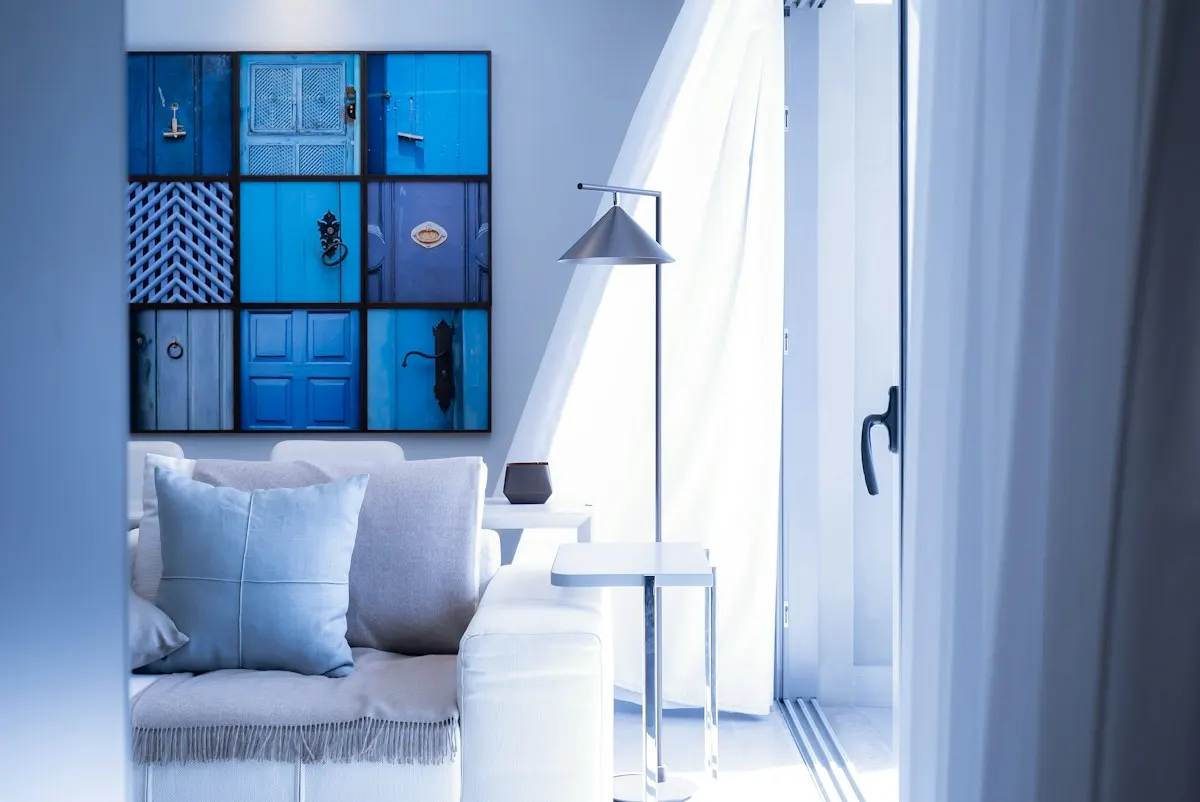
Home Control Notes · Dedicated theater room vs Living-room media setup
A living-room media setup delivers most of the cinematic experience for a fraction of the cost in a room the family already uses. A dedicated theater makes sense when you have a spare room, watch films often, want a projector-scale image and true surround in darkness, and accept a construction-scale budget. The deciding questions are room availability, viewing habits and who else uses the space.
Photo: Vinicius "amnx" Amano · License.
Home theater decisions often start with a picture of a darkened room with tiered seating and end with a surprise at how much of the budget went to drywall, acoustic treatment and ventilation rather than to the screen and speakers. The living-room setup, by contrast, starts with a room that already exists and spends almost everything on equipment and wiring. Both can be excellent. They serve different households.
Our analysis of the Energy Information Administration's 2024 survey found 25.0% of occupied homes have a home theater or audio system, and most of those are living-room systems. This page compares the two through real scenarios, ten-year cost, room and light conditions, resale, common mistakes and how to read the bids, so you can decide which one deserves a site visit before you request estimates.
A dedicated theater delivers the largest image and true surround in a room built for it, at a construction-scale budget; a living-room setup delivers most of the experience for a fraction of the price in a room the family already uses. The EIA found a theater or audio system in a quarter of homes, mostly the second kind.
| Factor | Dedicated theater room | Living-room media setup |
|---|---|---|
| Upfront cost | $25,000–$60,000+ (AWOL Vision 2026) | $2,000–$4,000 (Today's Homeowner, 2023 prices) |
| Lifespan | Room 20+ years; projector lamp or laser 5–10 | Display 7–10 years; speakers 15+ |
| Maintenance | Projector, ventilation, fabric | Minimal |
| Appearance | Purpose-built; can feel closed off | Hidden cabling, clean wall |
| Light control | Blackout required | Works at noon |
| Install time | Weeks; construction trades | One to two days |
| Resale | Narrow appeal; partial return | Broad appeal; wiring valued |
| Best for | Film enthusiasts with a spare room | Most households |
The living-room setup wins for most households. A large display, in-wall or compact surround speakers, hidden cabling and a single control deliver the daily experience, and the EIA found an internet streaming device in 66.5% of homes, which is what most people actually watch. Spend on cabling and conduit so the display and speakers can be upgraded without opening walls.
The dedicated theater wins when a spare room exists, blackout is acceptable, and the household watches films together often enough to justify a construction budget. The conditions are ventilation for equipment, acoustic treatment and a control anyone can use. Read the theater and audio page before committing, and ask for a seating plan before an equipment list.
A family that watches a few films a week together, streams sports and wants the television to disappear when guests arrive is well served by a living-room setup: a large display or short-throw projector, a soundbar or in-ceiling speakers with a subwoofer, hidden cabling and one remote everyone understands. Today's Homeowner puts an integrated entertainment subsystem at $2,000–$4,000, which covers most of this scope.
A film enthusiast with an unused basement room, a habit of watching in the evening, and a wish for a large projected image with true surround and no light spill is the dedicated theater case. The room becomes a single-purpose space with its own lighting scenes, seating, acoustic treatment and equipment location. The budget includes construction trades, not just audio-video work, which is why dedicated rooms cost many times more than a living-room system and why most are built during a wider remodel; EIA found 25.0% of occupied U.S. homes have a home theater or audio system of some kind.
A living-room system's ten-year cost is mostly equipment turnover. The display is typically replaced once in that period, a streamer more often, while in-ceiling speakers and wiring stay. A dedicated theater's ten-year cost starts with construction, which AWOL Vision puts at $25,000–$60,000+ for a custom room, then adds projector service or replacement, ventilation upkeep and occasional recalibration. The seating, acoustic panels and room shell last well, so most of the recurring cost is in the electronics, just as in a living room.
Labor enters both, at the rate Today's Homeowner puts at $80–$100/hr, but a dedicated theater also involves framing, drywall, electrical, HVAC and finish trades that a living-room project avoids. Compare the living-room figure with the theater and audio cost guide, which explains how the dedicated-room line builds up. Ask any bidder to split construction from audio-video work so the two can be judged separately.
Light control is the biggest difference. A projector needs darkness, which a dedicated room provides and a living room with windows rarely does; that is why living rooms favor large displays or ambient-light-rejecting screens. Sound is next. A dedicated room can be treated to control echo and isolated so neighbors or sleeping children are not disturbed, while a living room's open plan, glass and hard floors limit how much bass and volume make sense.
Room shape and seating also matter. Dedicated rooms can place seats at ideal distances and angles from the screen and speakers. Living rooms place seats where the family already sits, and the speaker layout adapts around furniture and doorways. In-ceiling surrounds and a good subwoofer placement close much of the gap. Regional climate plays a part too: basement theaters in humid areas need dehumidification to protect equipment and fabric.
A living-room system's wiring, in-ceiling speakers and hidden cabling stay with the house and appeal to most buyers, since the room remains a living room. A dedicated theater has narrower appeal: buyers who love films see a feature, others see a room they will convert back to a bedroom or office. That conversion cost can weigh on the offer. Plan dedicated rooms so they can be repurposed, with standard doors, windows kept rather than removed and removable treatment.
Documentation helps either way. A drawing of speaker and cable locations, equipment models, the control programming and account details lets a buyer use the system rather than rip it out. By our analysis of EIA data, 28.7% of Western homes have a theater or audio system, the highest regional share, against 21.6% in the Northeast, so buyer interest varies by market. The theater and audio service page covers room planning.
In living rooms, the expensive mistakes are mounting the display too high, running cables without conduit so future formats need new pulls, and placing equipment in a closed cabinet with no ventilation. In dedicated rooms, they are underbuilding the ventilation, forgetting a dedicated circuit for the equipment, choosing a screen size before measuring seating distance, and skipping sound isolation until the first complaint from upstairs.
Both setups fail when control is an afterthought. If the household needs three remotes and a phone to watch the news, it will stop using the system. Plan one control that turns everything on to a sensible default, and program lighting scenes so the room dims with a single press. Streaming makes this easier: our analysis of EIA data found a streaming device in 66.5% of homes, and 8.4% already use a smart speaker to control a television or peripheral.
Separate the scopes into construction, equipment, wiring, calibration, control programming and handover. A living-room bid should show display, audio, cable paths, the equipment location and the remote or control. A dedicated-room bid should add framing, drywall, isolation, acoustic treatment, ventilation, seating, lighting and electrical. Compare the audio-video lines of both to see what the construction premium buys you in image and sound.
Ask each bidder how they will calibrate speakers and picture, who handles future equipment swaps, what conduit is included and what the household will use to operate the room. Poll results on the theater room poll show which setup other planners chose. Collect matching proposals through the estimate request page, stating clearly whether you want one room priced, the other, or both for comparison.
Homeowner polls
No votes yet. Yours will be the first. · saved on this device
No votes yet. Yours will be the first. · saved on this device
Yes, with in-wall or in-ceiling speakers placed by the seating plan and a receiver, at roughly Today's Homeowner's $2,000 to $4,000 subsystem range. A soundbar with wireless rears is the compact alternative. The limit is furniture placement, not the technology.
Rarely, and only with motorized blackout shades and a screen that tolerates some ambient light. Displays at 85 to 100 inches now compete on price and work in daylight. Reserve projectors for rooms where light can be controlled fully.
Screen size follows seating distance and resolution. Higher-resolution sources allow a larger screen from the same seat without visible detail loss. Many installers use viewing-angle guidelines rather than fixed rules. Measure the distance from the main seat to the wall first, then ask the installer to recommend a size range and show it with a template taped to the wall.
Sometimes. An already finished basement room with few windows and a door can become a theater with a projector, screen, surround speakers, some acoustic panels and blackout treatment, avoiding structural work. Isolation from the rooms above and ventilation for equipment are the usual gaps. Check moisture and humidity first, since equipment and fabric suffer in damp basements.
Not necessarily. Many living-room systems use a ventilated media console, or place a streamer and receiver behind the display with a single cable run. A closet or rack becomes worthwhile when there are several sources, multi-room audio or a desire for a completely clean room. Either way, plan airflow and a network connection at the equipment location.
More than most people expect, though far less than in a dedicated room. Rugs, curtains, upholstered furniture and bookcases already absorb and scatter sound. A few panels at first reflection points can tighten dialogue. Heavy treatment in a family room is rarely welcome, so most installers focus on speaker placement and room calibration instead.
Tiered risers help when there are two or more rows, so rear viewers see over front heads. They add construction cost and ceiling height requirements. A single row of recliners or a sofa avoids risers entirely. Decide how many people usually watch before committing to multiple rows, because most dedicated rooms are used by two to four people.
A living-room setup can often be installed in one or two days once equipment arrives, longer if new cable paths are needed. A dedicated theater follows a construction timeline with framing, electrical rough-in, inspections, drywall, finishes, then audio-video installation and calibration. Ask each bidder for a schedule with inspections and equipment lead times shown.
 ComparisonShared consumer platform vs Professional dealer-installed system
A consumer platform suits one to five rooms and one or two subsystems that someone in the house is happy to manage.
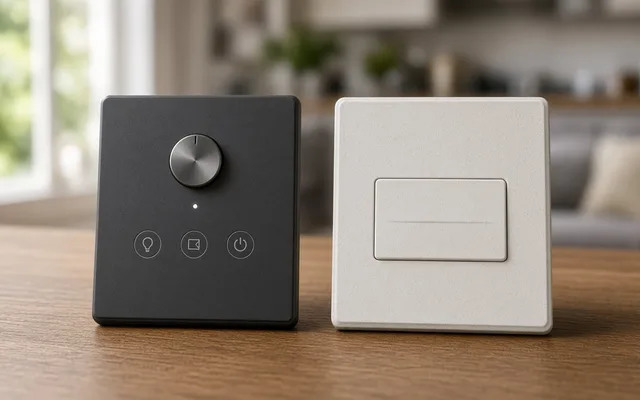 ComparisonSmart switches and dimmers vs Smart bulbs
Use smart switches and dimmers for ceiling fixtures, recessed lights and any room several people share, because the wall control keeps working and every bulb on the circuit becomes smart.
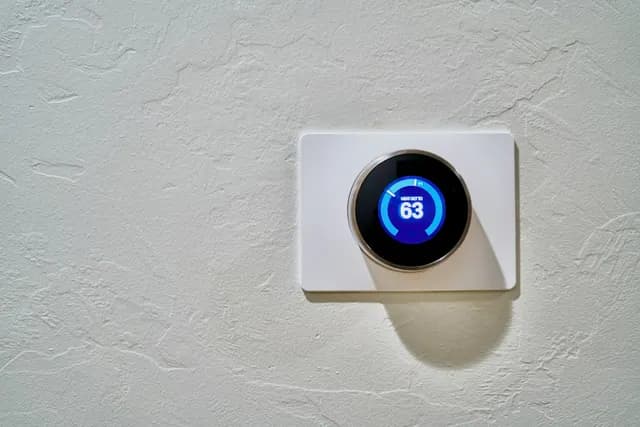 ComparisonLocal recording (base station or NVR) vs Cloud subscription storage
Local recording on a network video recorder or base station suits permanent cameras, privacy-minded households and areas with unreliable internet, because it keeps recording with no monthly fee.
 ComparisonWired network backbone vs Wireless mesh Wi-Fi
A wired backbone, with Ethernet to access points, cameras, the main display and the equipment rack, is the reliable choice for whole-home projects and camera systems.
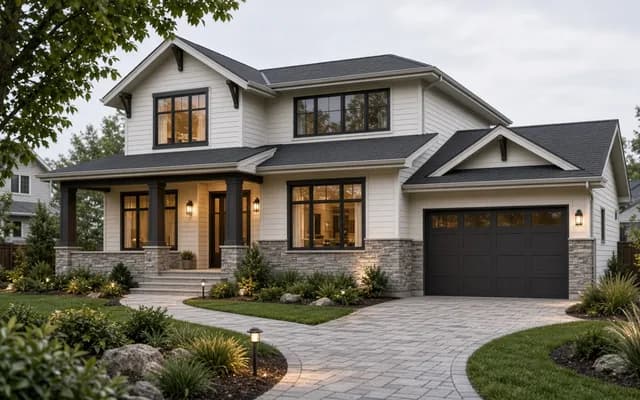 Service guideWhole-Home Automation
Whole-home automation connects lighting, climate, locks, cameras, shades and audio under one interface with scenes and schedules.
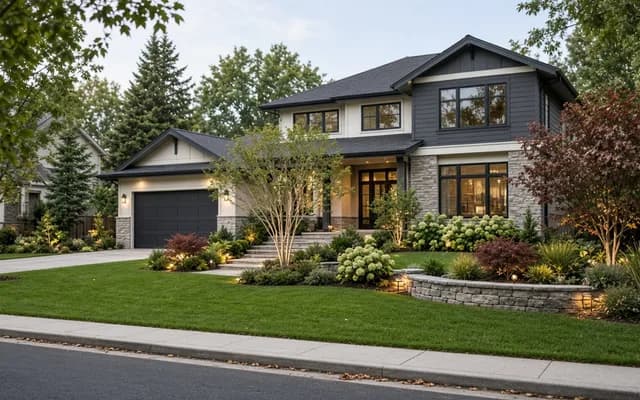 Service guideSmart Lighting Control
Smart lighting control replaces switches and dimmers, or adds keypads and schedules, so rooms respond to scenes, timers and occupancy while the wall switch keeps working.
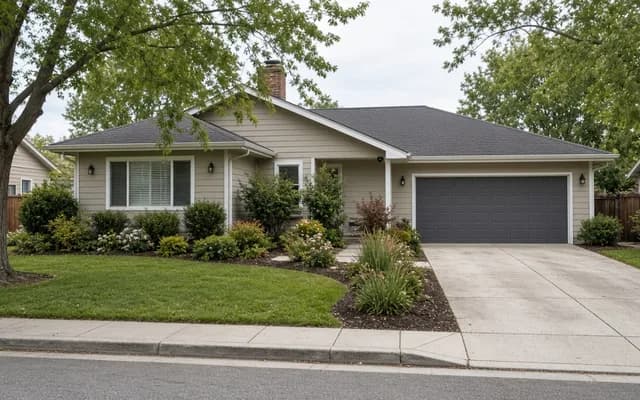 Service guideHome Security & Surveillance
Home security and surveillance covers cameras, door and window sensors, motion detection, video doorbells and smart locks, with or without a monitoring service.
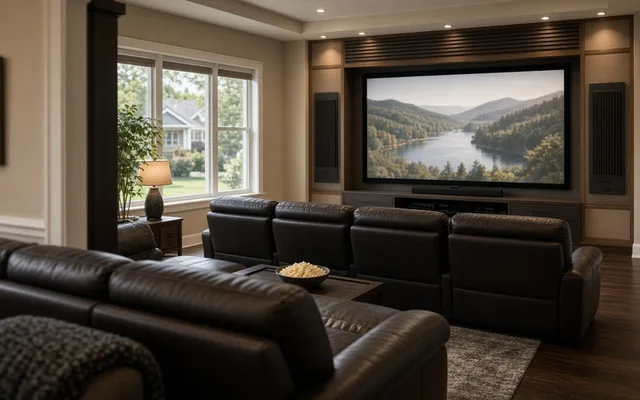 Service guideHome Theater & Audio
Home theater and audio installation covers dedicated theaters, living-room media setups and multi-room audio, including speakers, displays, receivers, cabling, equipment placement and the controls the household uses daily.
 Free toolSmart home cost calculator: size a budget by control points
Size, material tier and complexity in, a realistic budget range out.
 Free toolSmart home readiness quiz: do you know the details installers will ask about?
10 questions that show what you already know and what to check next.
 Free toolSmart home polls: how other homeowners weighed the same decisions
See what other planners chose and add your vote.
Tell us the size, the condition of what is there now, and what you want to change. Home Control Notes passes your request to independent local professionals, who reply with written, no-obligation estimates. The service is free to use.